A Glimpse of Attention
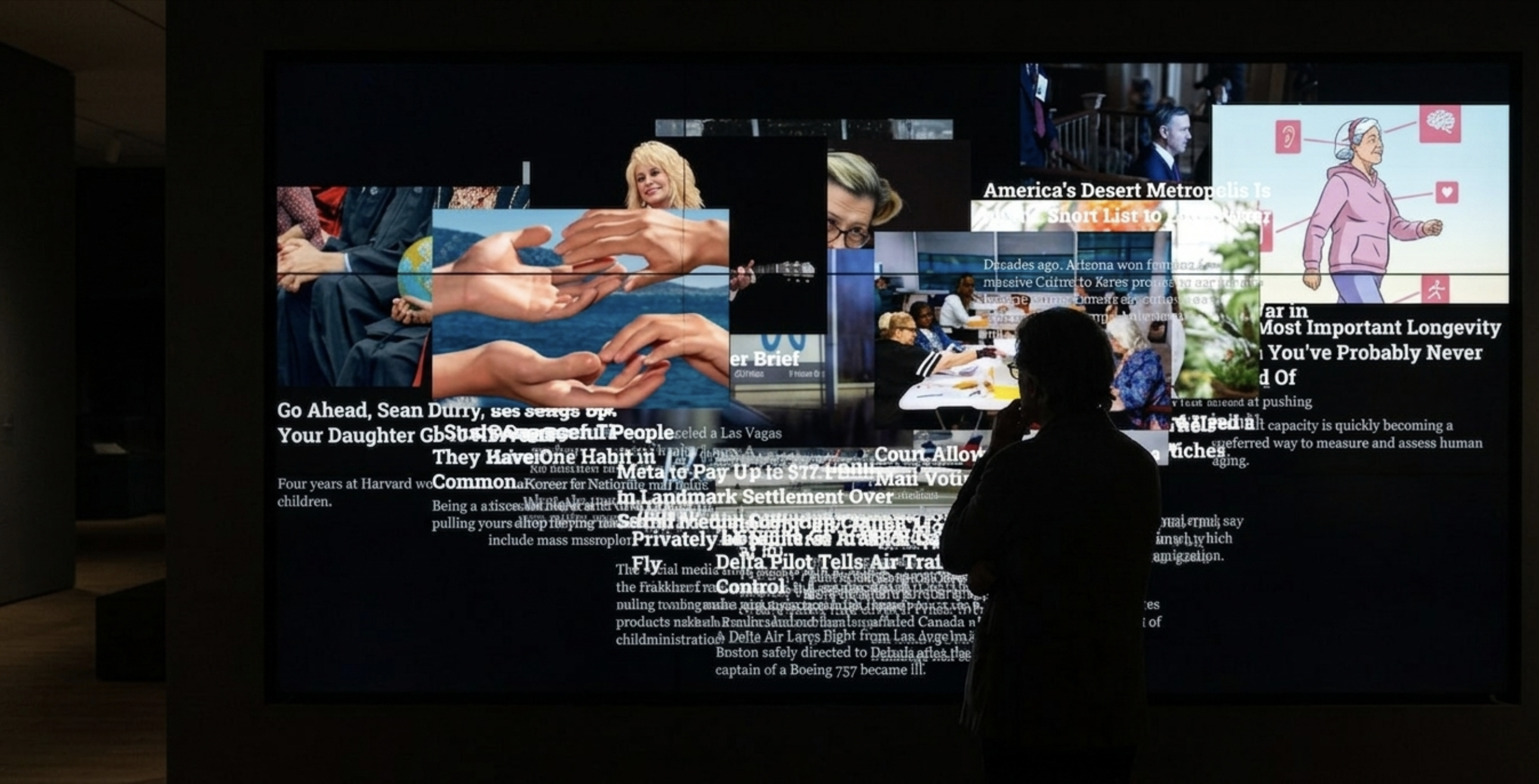
An interactive piece where the news follows your face and changes every time you blink. Built with p5.js, ml5.js FaceMesh and The New York Times API.
Try it
Look at the camera: the stories gather around your face. Blink to move to the next one. Without a face in the frame, the news drifts in chaos again.
The demo uses your camera to find your face and eyes. Nothing is recorded or sent anywhere: it all runs in your browser.
Finding the idea
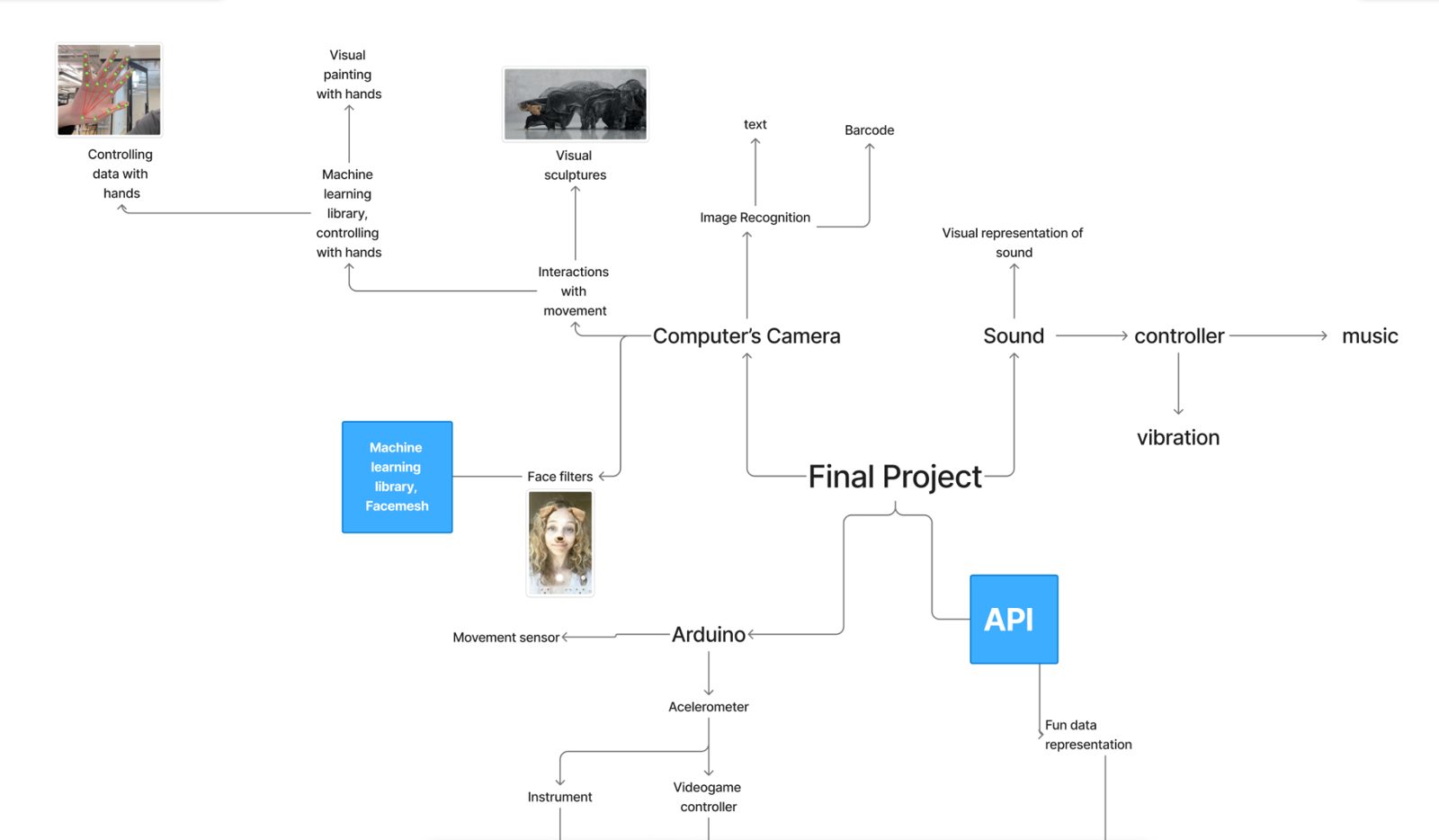
Working in a team was both challenging and exciting. Our previous creative coding work had been individual and exploratory, so collaborating required more communication, planning and coordination. We started with mind maps of technical ideas, and realized we both wanted to learn how to use an API and how to build creative interactions with ml5.js FaceMesh.
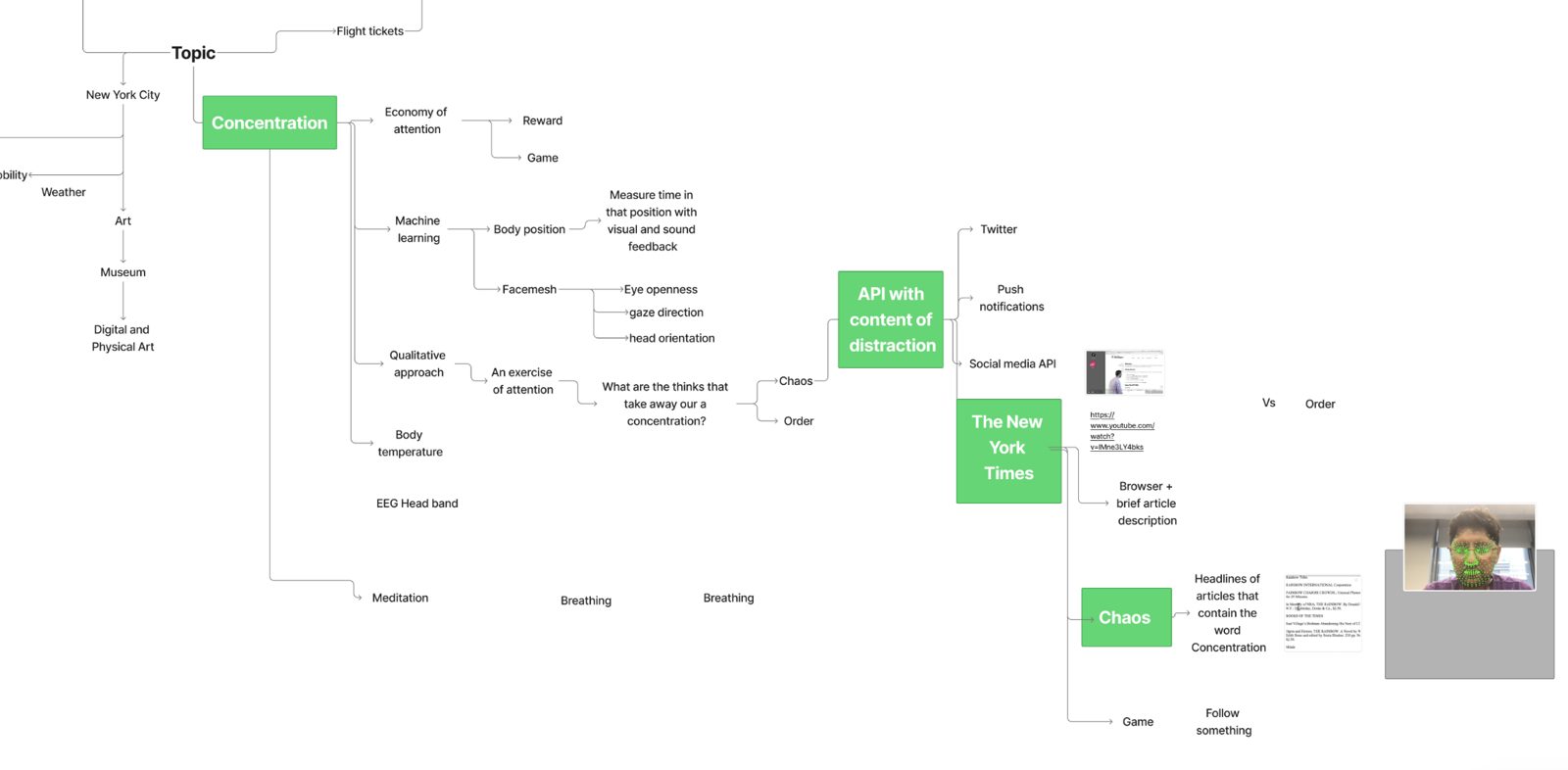
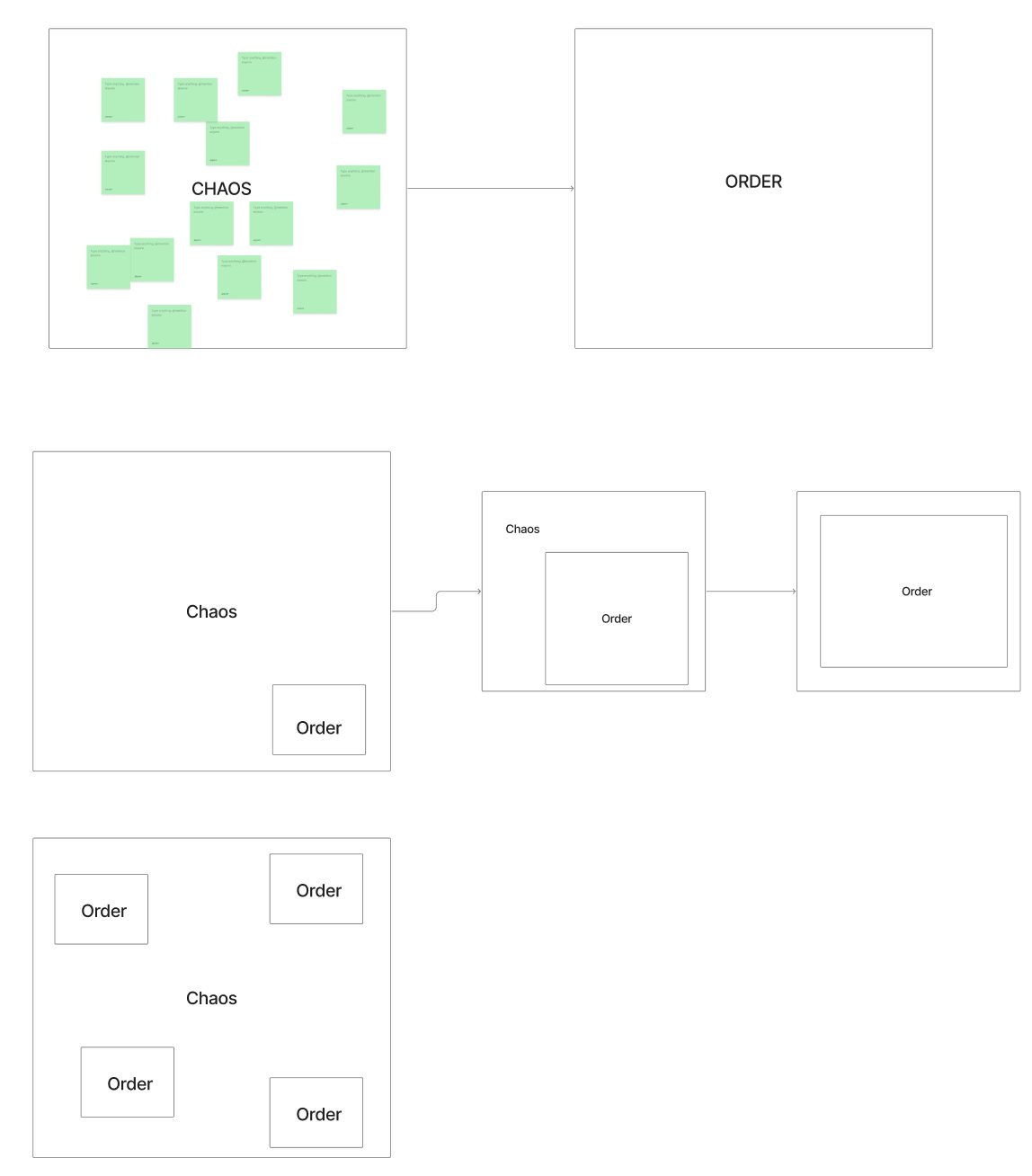
Knowing what we wanted to try technically wasn’t enough, so we mapped concepts too. We were drawn to concentration and attention, and saw an opportunity in The New York Times APIs: an interactive statement about attention, told through chaos and order. Sketching in FigJam, we agreed on an experience built on the interaction between the viewer’s blinks and the news.
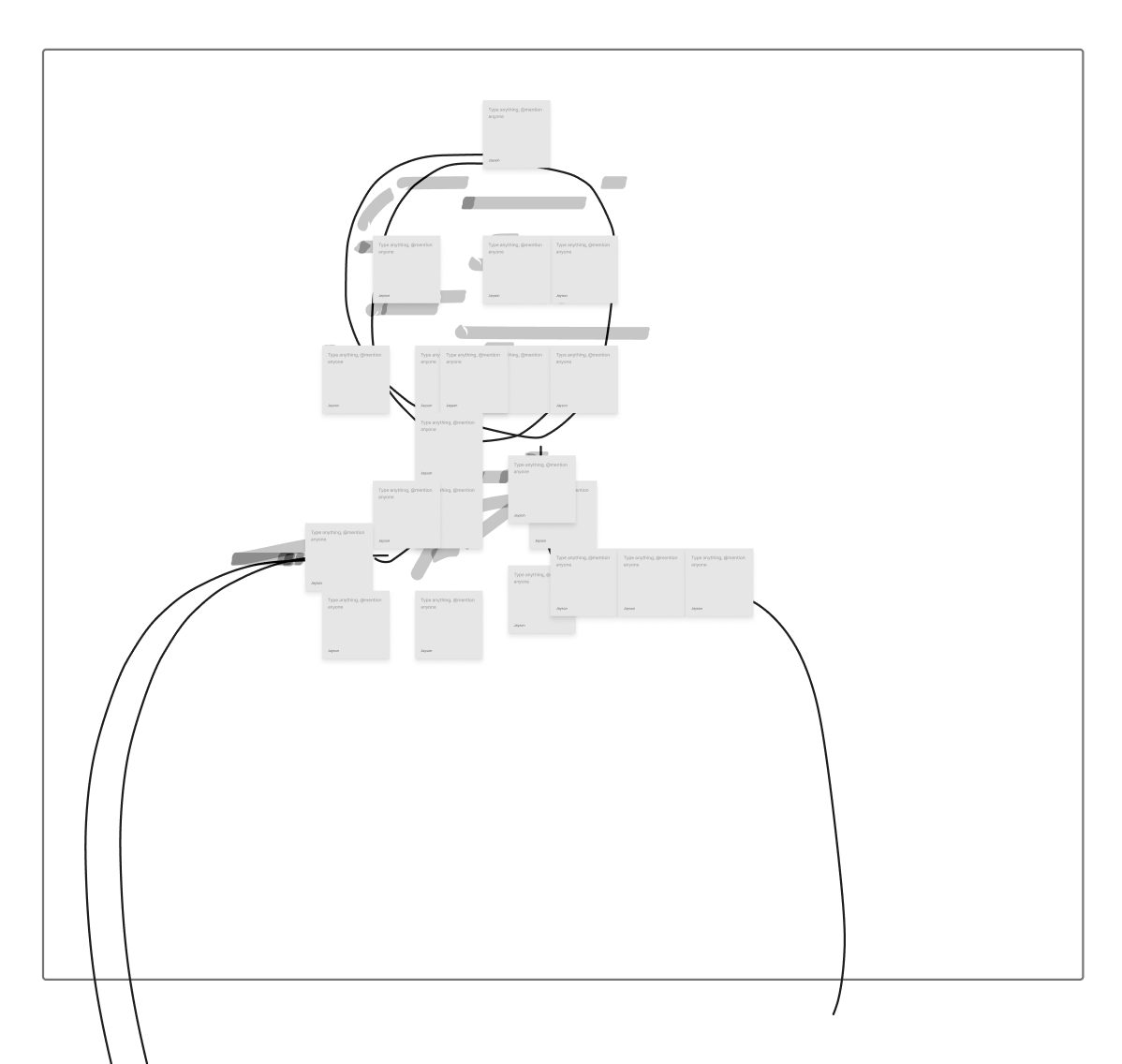
First iteration
We split the project into three problems: how to use the API, how to present its information, and how to set up FaceMesh to recognize a blink.
The API
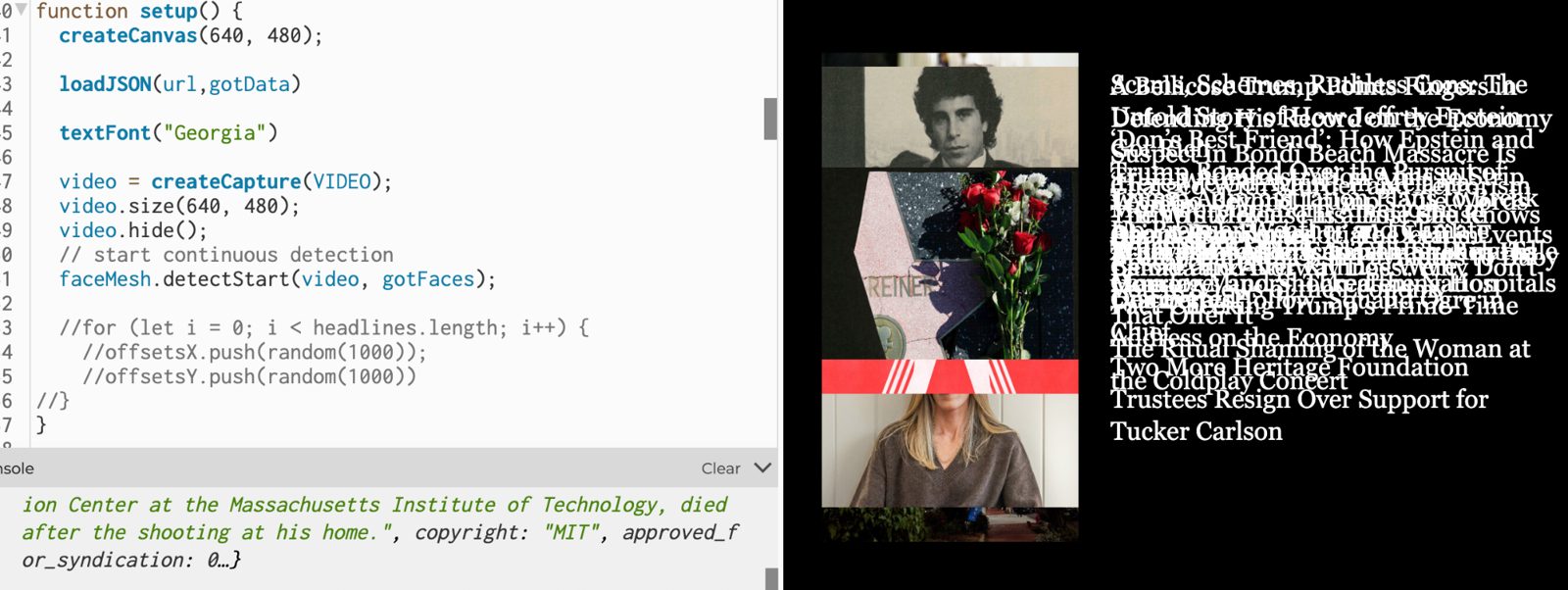
Following Daniel Shiffman’s tutorial on the New York Times API, we generated a key, learned how the JSON nests arrays and objects, and loaded it with loadJSON(url, gotData). Seeing the articles print in the console was euphoric. We pulled the title, the abstract and the image of each article, and found that images travel inside an array of quality options.
Chaos
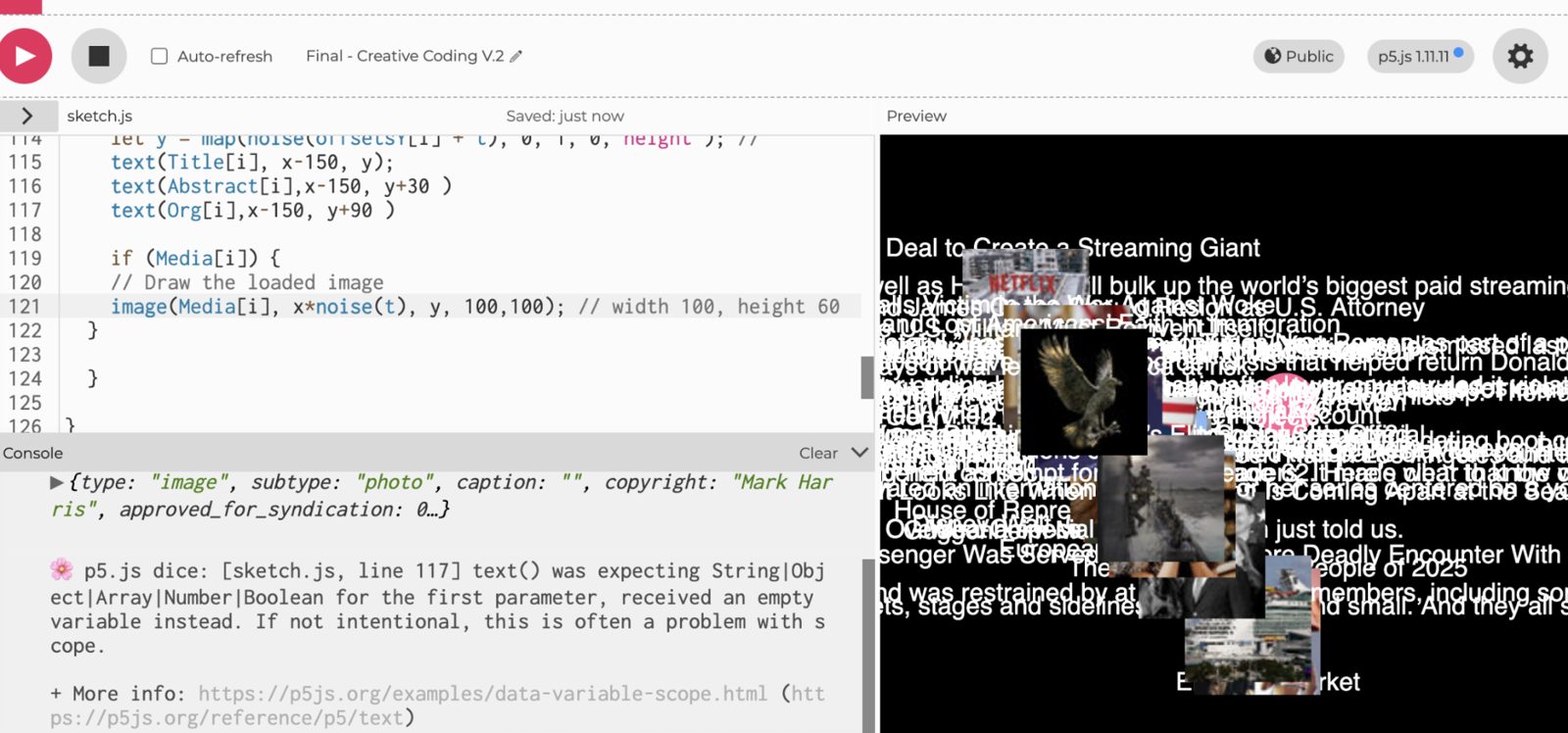
To portray chaos we drew the 20 articles with text() and image() in a loop, and moved them with noise() mapped from 0–1 to the height of the canvas.
A face on screen
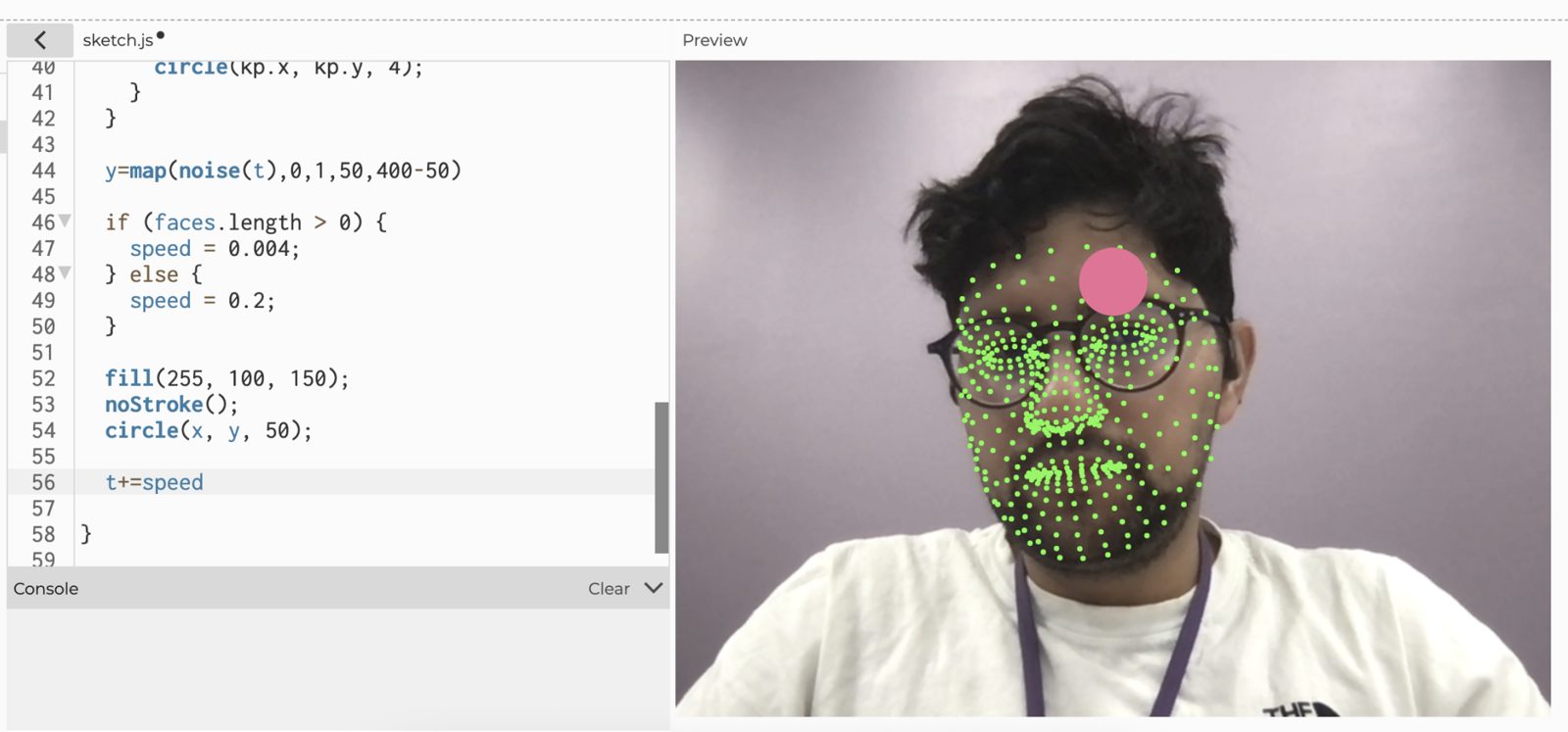
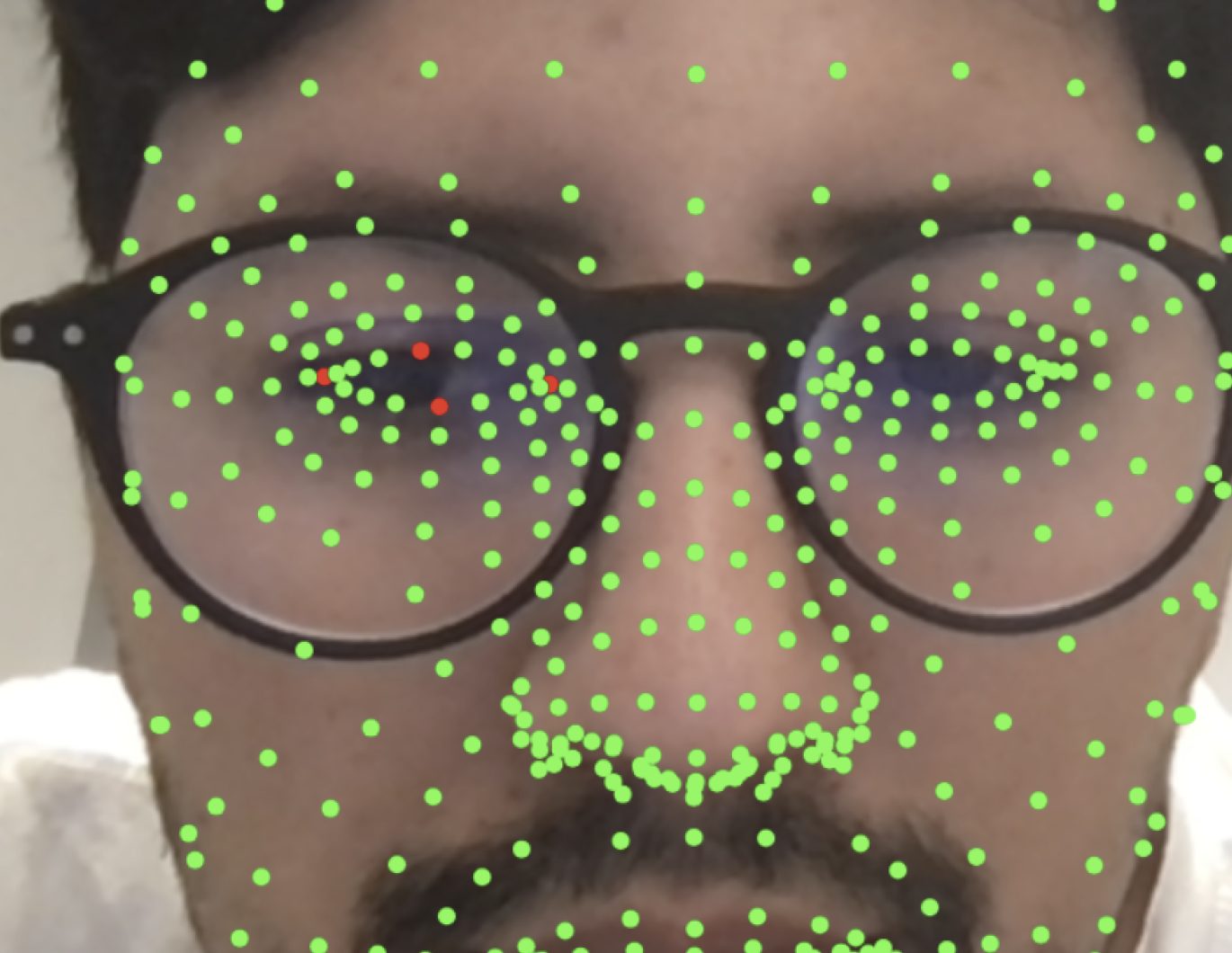
With FaceMesh set up, the question was how to react to a face. An if on the number of detected faces changed the noise speed, and a pink ellipse let us check the effect. We then merged the API and FaceMesh sketches, hid the green keypoints, and explored compositions, movements and typography.
The blink
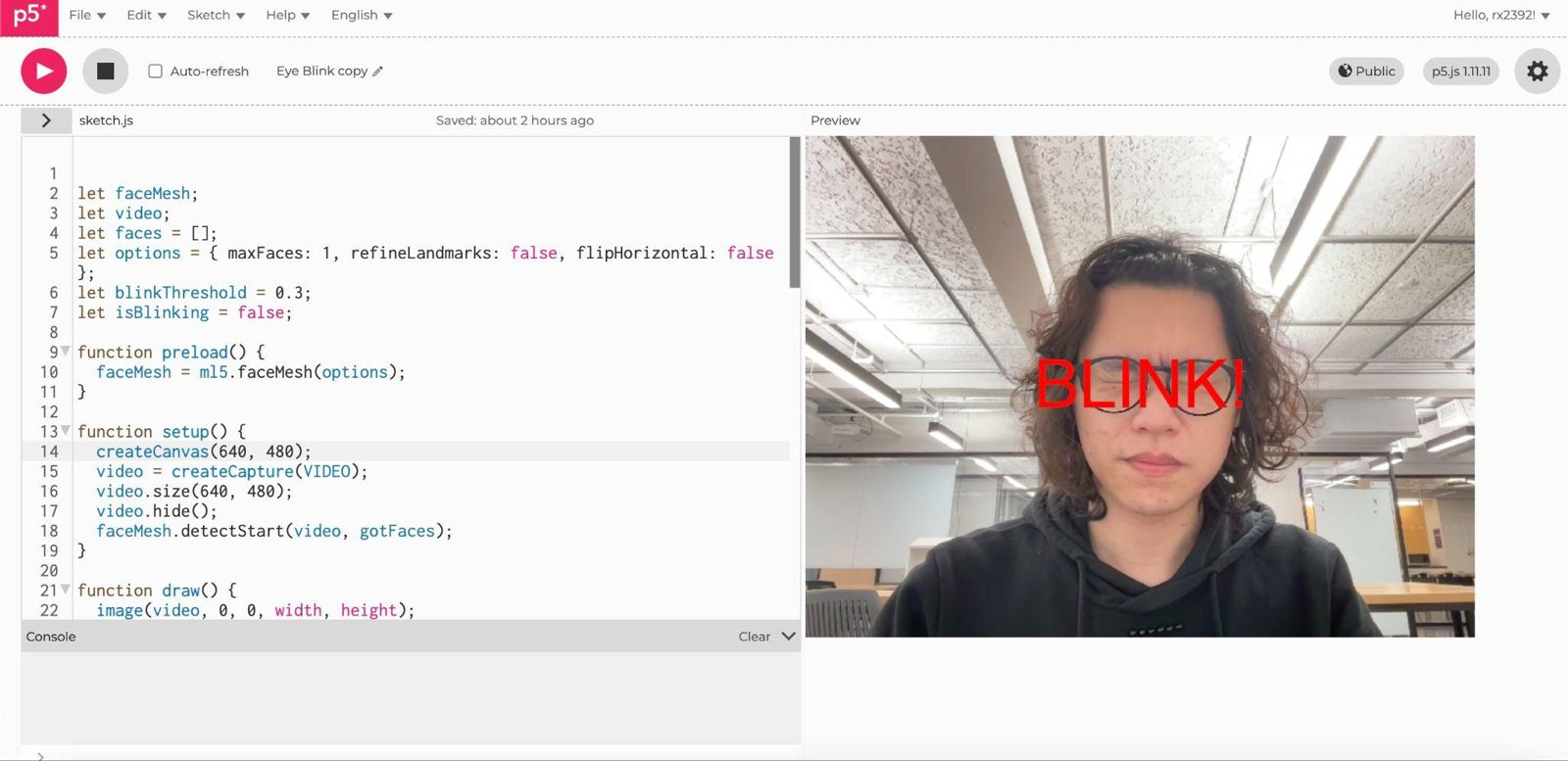
We found the FaceMesh keypoints for the top, bottom, left and right of each eye, measured them with dist(), and compared the eye’s height to its width. When that ratio dropped under a threshold, the sketch printed BLINK.
Second iteration
When we presented in class, Ofer and our classmates pointed to two problems: the sketch was extremely chaotic, and it gave poor feedback about the face and the blink. So we reimagined the experience.
The news follows you
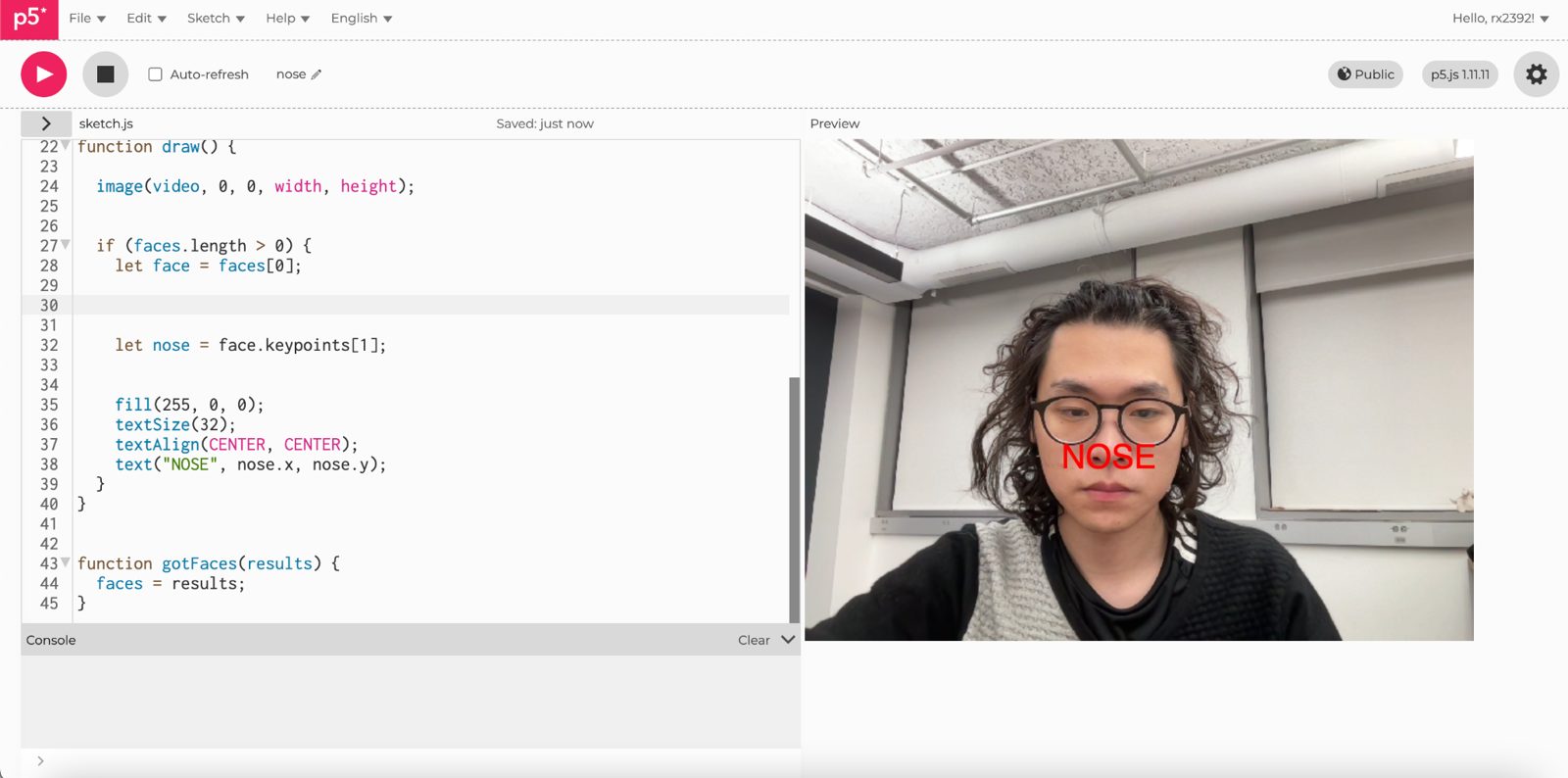
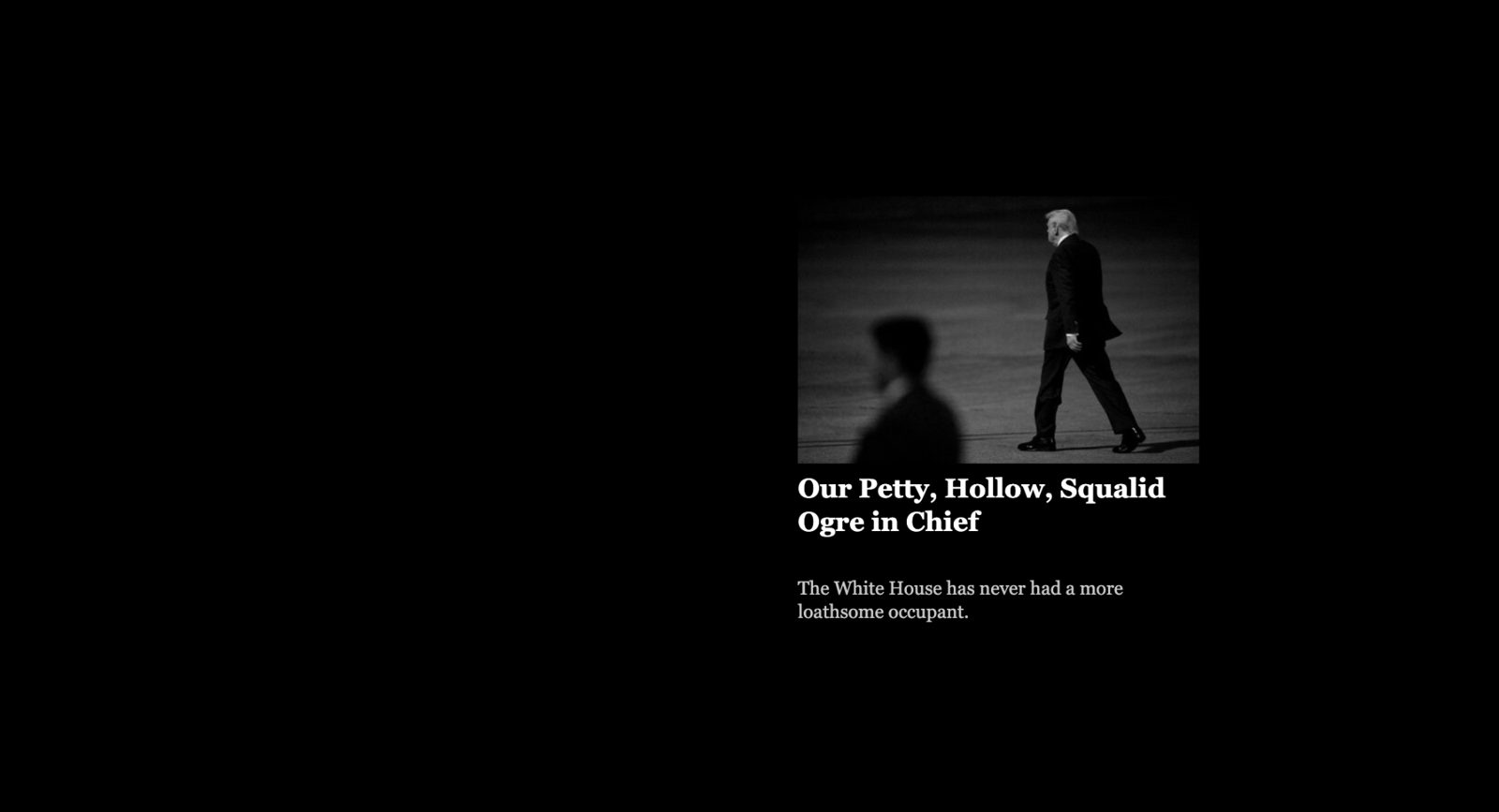
We calmed the noise movement and looked for ways to make viewers feel in control with their face. We tracked the nose keypoint and used its position to place the New York Times story, so the news floats and follows the viewer.
Sound and a softer blink
For presence feedback we added sound: once we loaded the right p5.sound library, the music fades in with lerp() when a face enters the frame and fades out when it leaves. Each blink now crossfades to the next story, with a “Blink your eyes” prompt to invite the first one.
Reflection
We are proud of the result. Next, we’d like to bring the experience into a physical video installation. Blink detection is still imprecise at times, as the camera doesn’t always catch the blink, and that is the first thing we want to solve.